For years, friends have told me, “You should get a 3D printer,” and my response was always… “I have no desire to learn another new machine or software, thank you”. What is that saying… Never say never? Well, I knew I was in trouble after helping a friend set up her new 3D printer one day! The very next day, I ordered a Bambu Labs P2S, and after a few months, I have not regretted that decision!! Here are my thoughts and experience after using the printer for a few months.
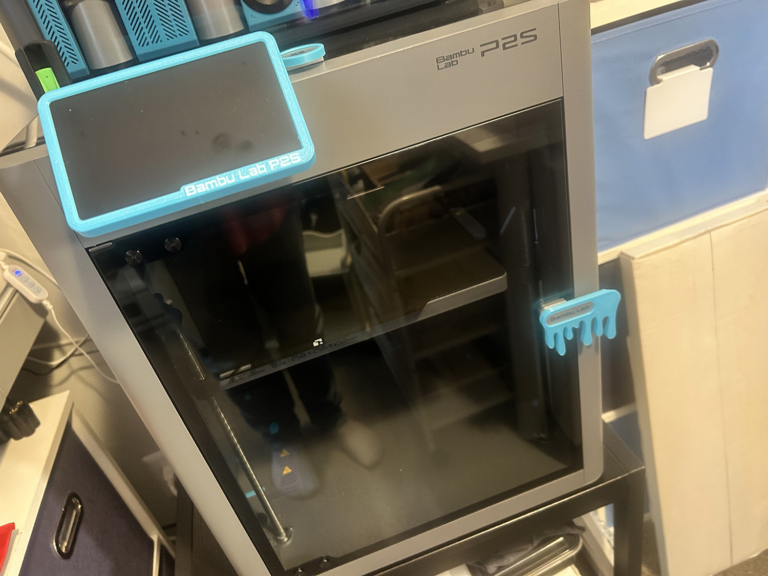
Here is a look at the machine I purchased and a list of the product features. Read on before clicking the link to see my honest opinions after using it for a few months.
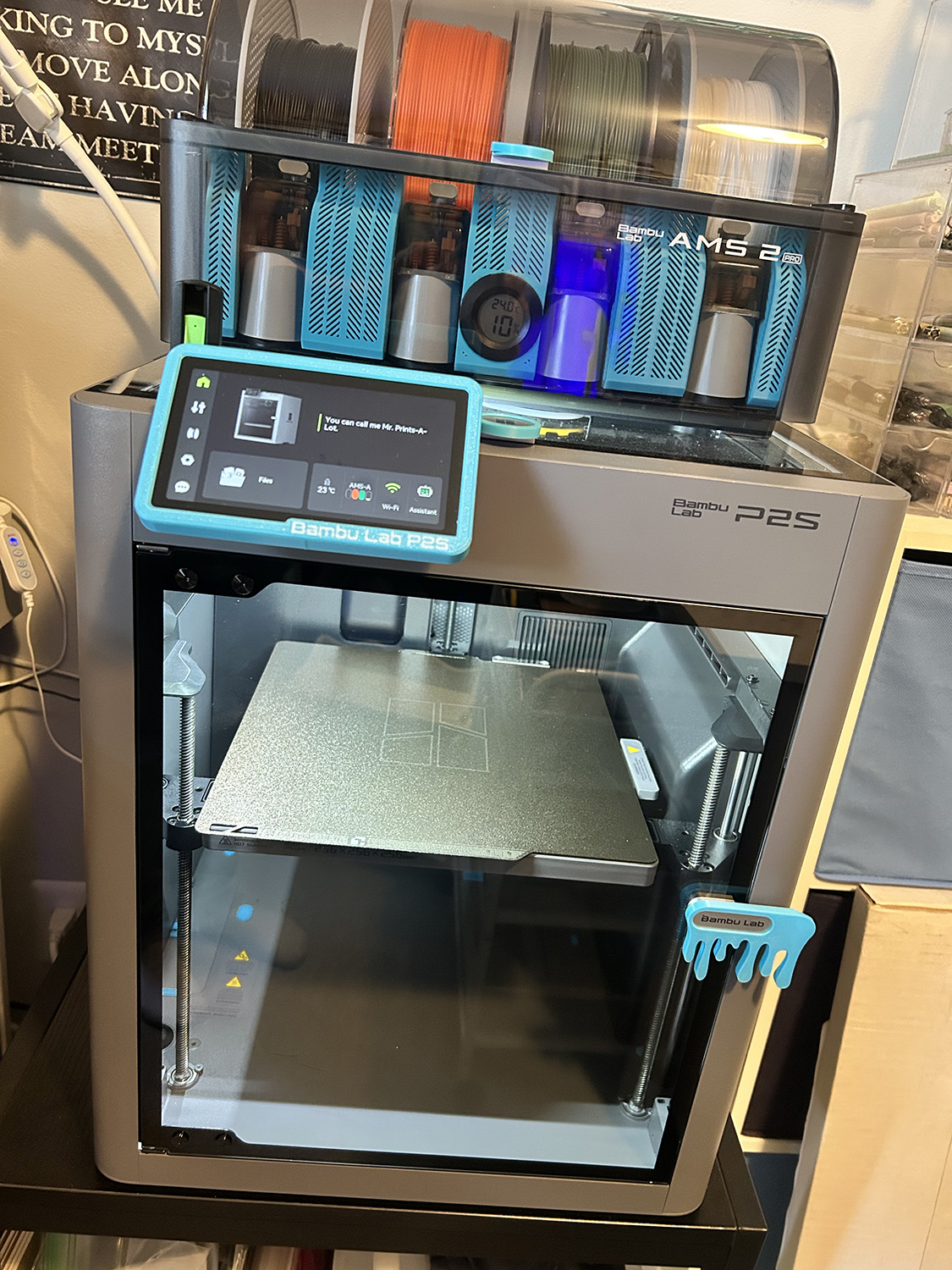
Bambu Labs P2S Combo W/AMS Pro 2
- Intuitive Touchscreen Interface: Seamless control at your fingertips.
- Fully Enclosed Chamber: Engineered for the safe and consistent printing of advanced materials.
- Multi-Color Printing: Unlock limitless creativity with AMS-powered multi-material printing.
- AI-Powered Oversight: Intelligent error detection makes 3D printing simpler and more reliable.
- Integrated Filament Drying: Keep your materials in peak condition with the 2nd-Gen AMS.
- Built on a Legend: The power of the best-selling P1S, completely refined and reimagined.
- Full-Scale Build Volume: A spacious 256 × 256 × 256 mm³ canvas for your biggest ideas.
There were always a few reasons I didn’t want to get into 3D printing, but in the last few years, things have changed. There are two types of printers: resin and filament (FDM), and each has qualities to be considered before purchase. Below are the main qualities to consider when looking for a 3D Printer. The qualities below are the very reason I decided to go with the Bambu Labs P2S, including the affordable price!
- Resin printers use a liquid material, have a strong smell when working, and involve a messy cleanup. I also believe (don’t quote me here) that resin printers – unless there are very expensive ones – print only one color at a time.
- FDM filament printers use plastic that is in the form of a string shape. While some FDM printers can print one color at a time, there are many on the market now that can print multiple colors at the same time. If you look at the image above, you can see four colors/spools of filament inside the box at the top of the printer. This box is called the AMS Pro2 and can feed all four colors into a single print or print any single-color filament into a single print. The P2S also has an external spool holder that comes with the machine, which can be used to add a fifth color. Plus, you can add a second AMS to the machine, giving you nine colors total.
Another point I strongly suggest is to purchase your 3D printer locally at Best Buy, Micro Center, or any big-box store that offers an extended warranty. I purchased my printer from Best Buy with the extended warranty after learning that if anything goes wrong, they will either fix the printer or exchange it with a new one – no problem. Dealing with a local company is far better than trying to deal with emails back and forth in a foreign country!
Once I received my order, with the help of the excellent setup manual and watching a single setup video online, I had the machine running and making my first print in less than 45 minutes! It truly is that easy. Bambu Labs also has Bambu Academy with several FREE courses you can take to learn all about the printer and how it works.
Once your printer is set up, Bambu has a “first print” little boat called a Benchy. It’s a simple push a button, choose your color, print to see how your printer works. Inside MakerWorld, you can find a ton of altered Benchy prints for more fun. Below are two Benchies I printed.
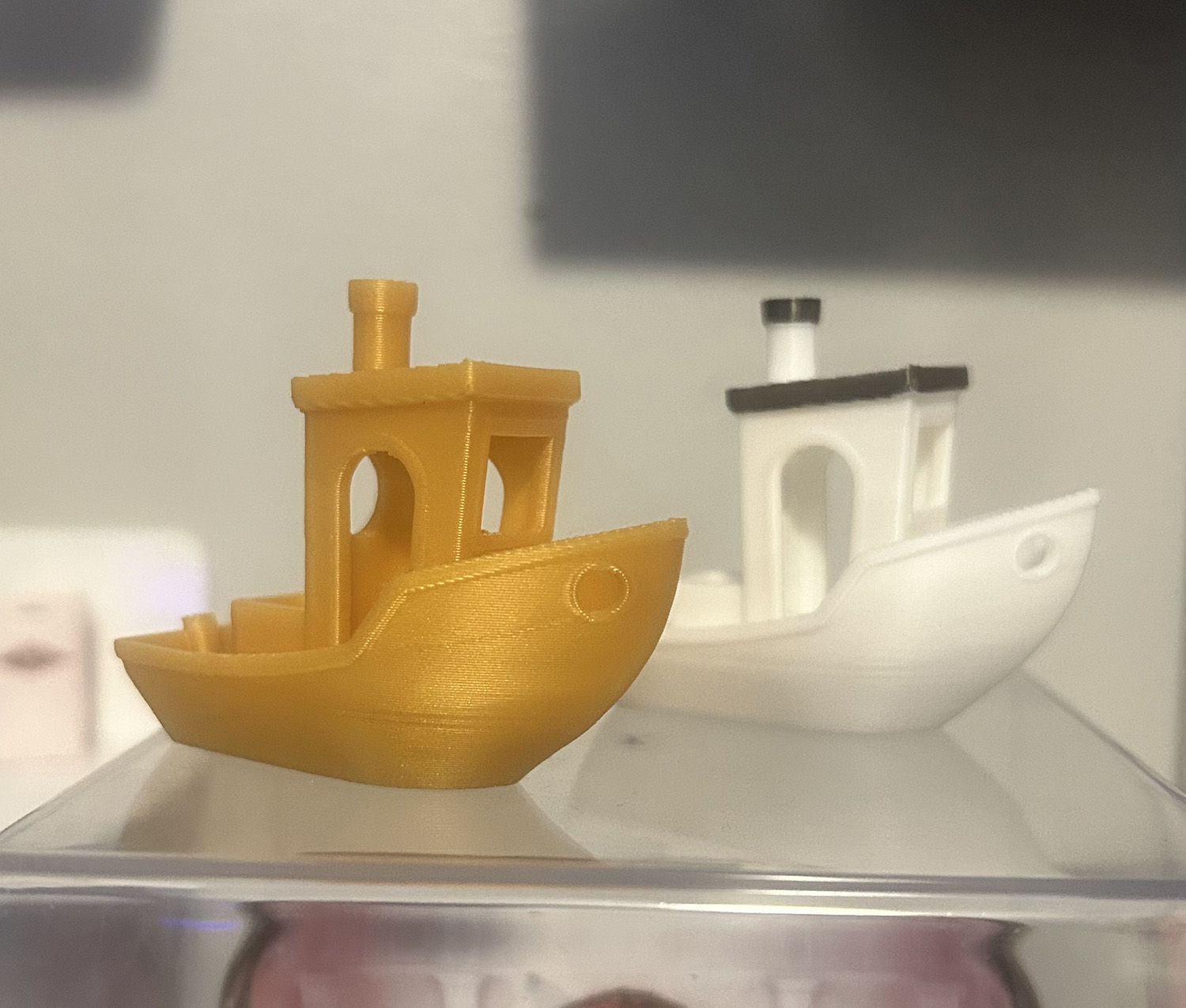
LEFT: printed in a golf PLA. RIGHT: printed in white and black PLA – multicolor print.
Bambu Labs has everything you need to get started, and trust me … you won’t believe how EASY it is to get started!!!
- Bambu Studio: Bambu Studio is an open-source, cutting-edge, feature-rich slicing software. It contains project-based workflows, systematically optimized slicing algorithms, and an easy-to-use graphical interface, bringing users an incredibly smooth printing experience.
- Bambu Handy App: The Bambu Handy app is a one-stop 3D printing service platform designed to offer a convenient, seamless, and enjoyable 3D printing experience. With Bambu Handy, you can control printers anywhere, connect to the MakerWorld models library, and print your favorite designs easily!
- Maker World: Is a fantastic place you can go to get thousands of FREE 3D print designs! You simply pick the item you want to print, download it to the operating software, and get it ready to print. You can visit MakerWorld even without a printer to see the types of prints available!
Do I have to learn a new software program . . .
Another comment I always made when asked about getting a 3D printer was: “I don’t want to spend the time learning another software program”. I wound up eating these words when I helped a friend set up her own printer and discovered just how EASY Bambu software is to use!!! I printed things the same day I set up the printer, even though I’d never used a 3D printer before! It truly is that EASY!
In MakerWorld, most files are set up by the designer, so you just download the file, open it in Bambu Studio, slice the print, and print it. Prints can also be sized up or down as you like and printed in any color of filament you have loaded. And while the Bambu Academy will teach you a lot, you can do this as you like and do not need it to get started printing.
Here is a look at some things I printed in the first few days after setting the printer up . . .
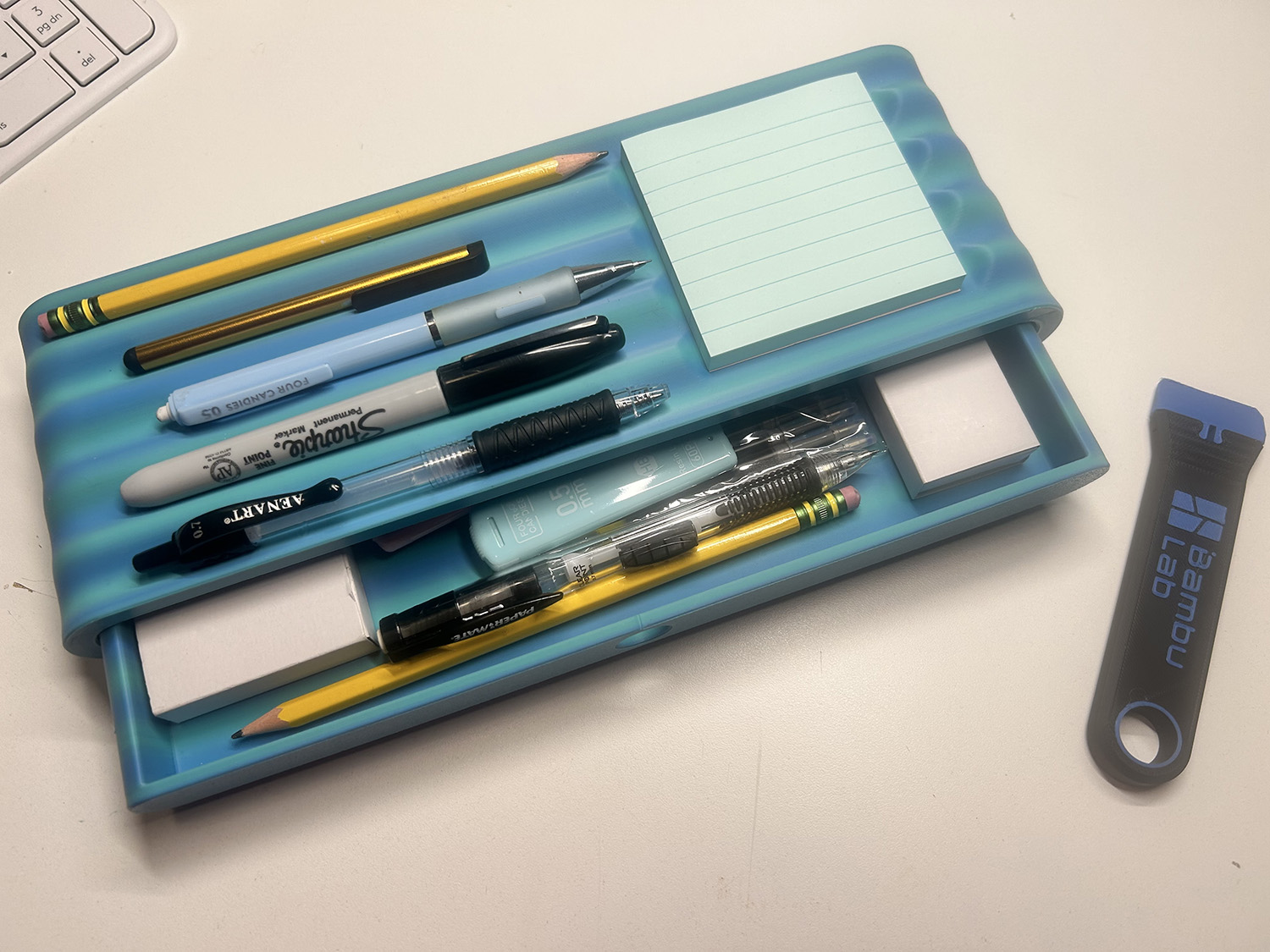
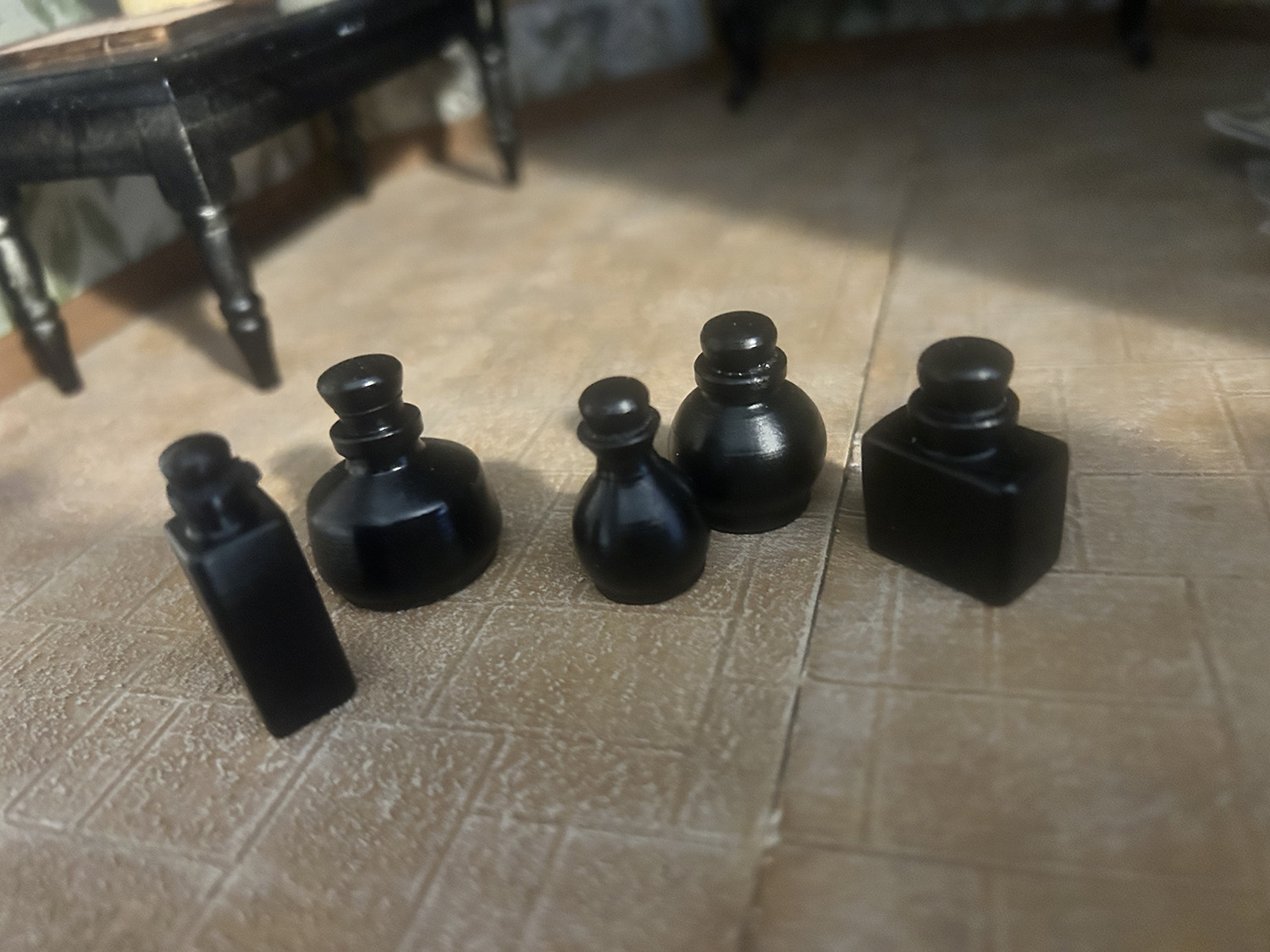
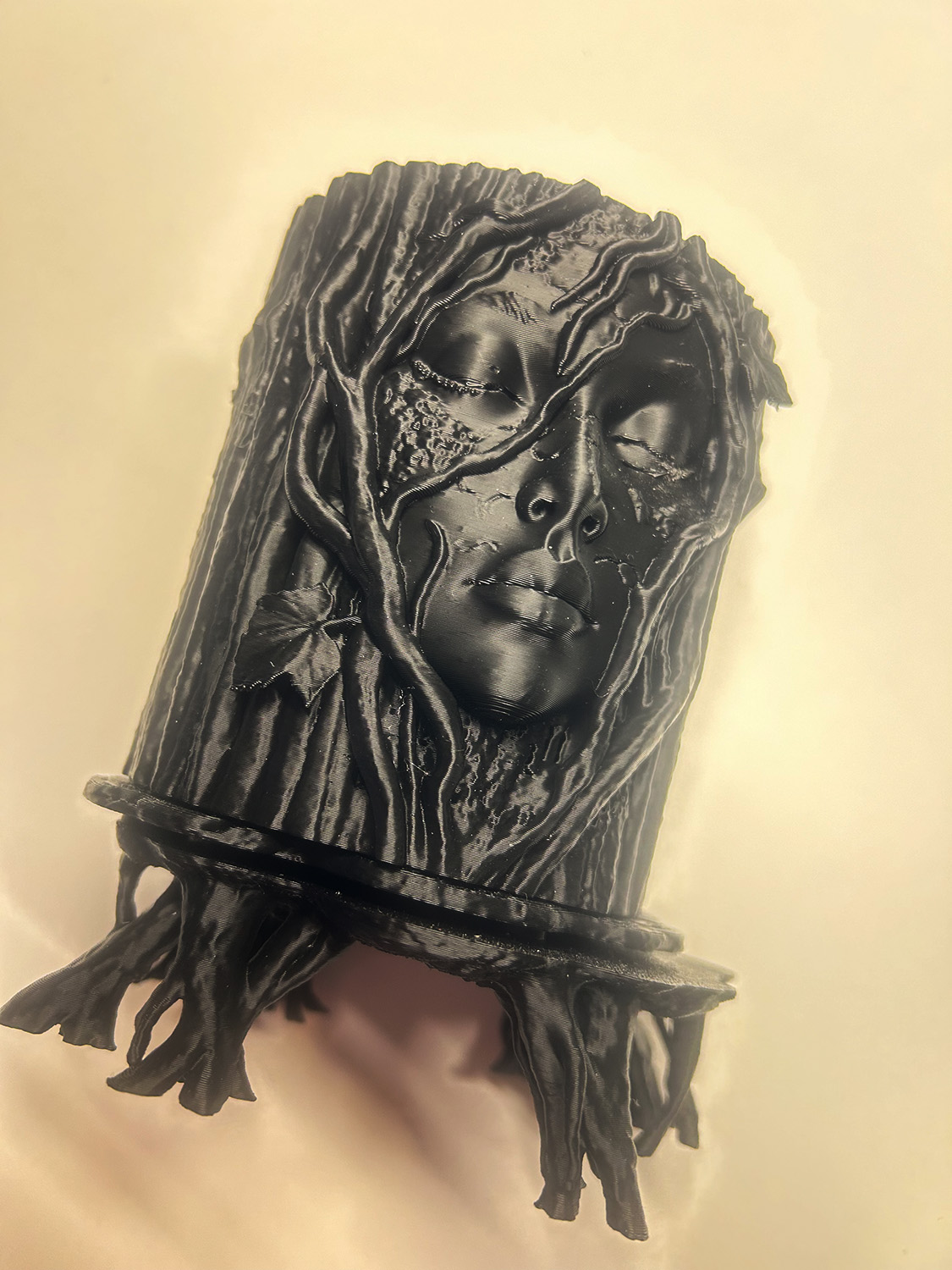
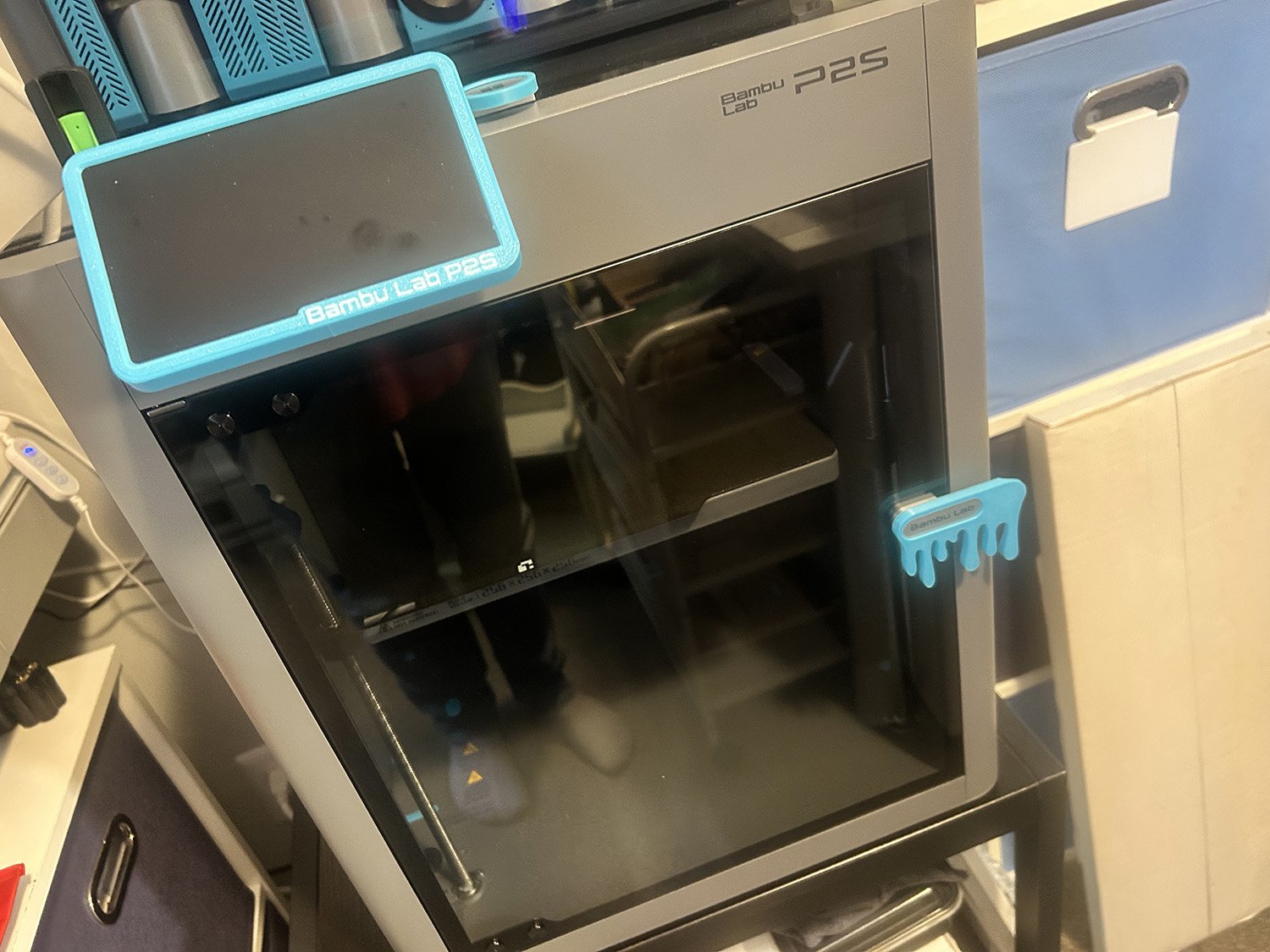
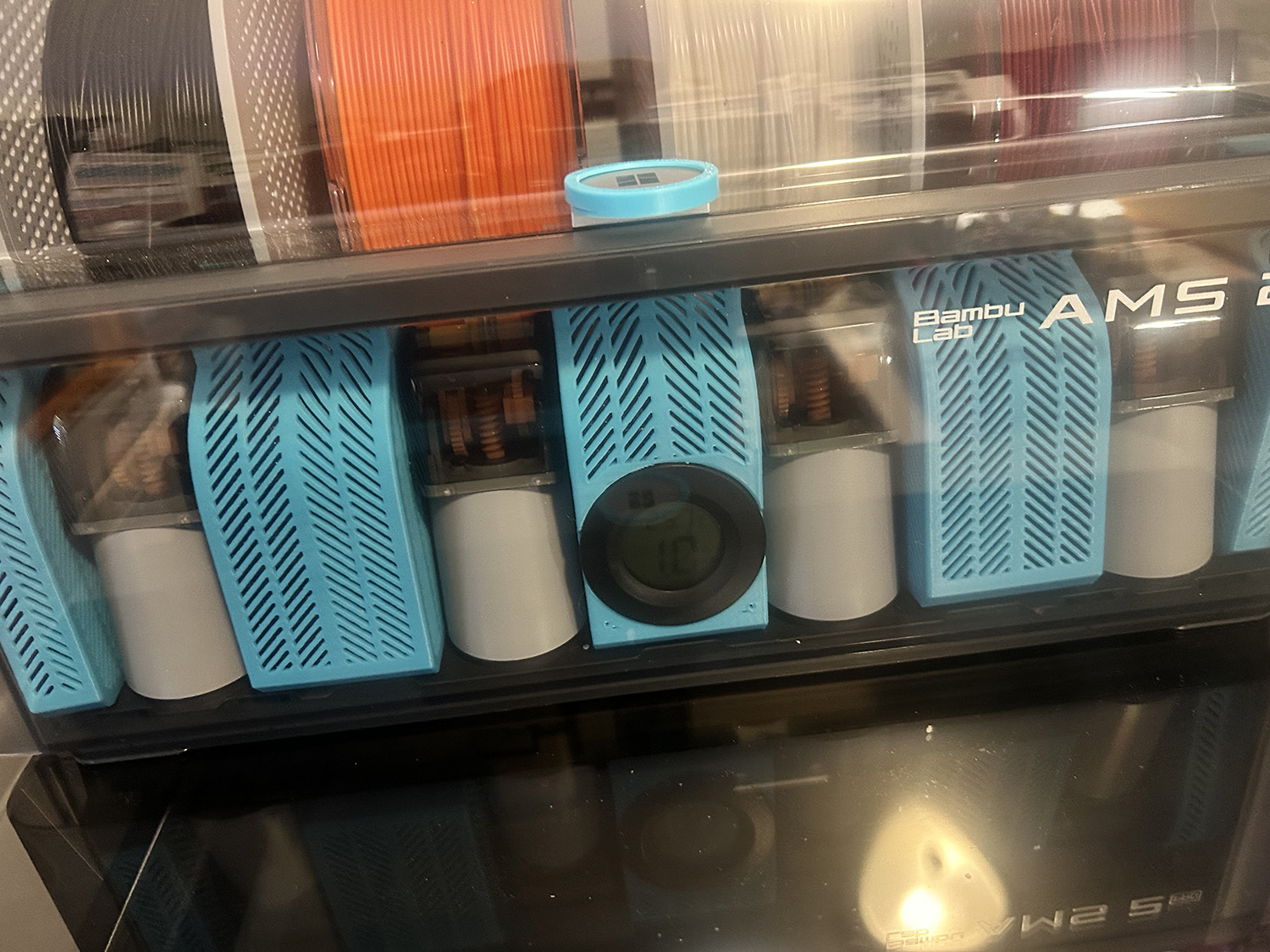
Notice the turquoise parts on the printer and AMS in the photos above? These all come from inside Maker World, are free, and are a fun way to decorate your machine! There are tons of different options to choose from and a great way to get used to using the printer.
Is a 3D printer safe to use in my house . . .
Now, about “smell”, my other concern. There are a lot of different types of filaments to choose from such as PLA, PETG, ABS, TPU, and Nylon. Each is suited for different uses and strengths. If you use only PLA and PETG, created with safe materials. PLA is plant-based, while PETG is made with the same material used in clear water bottles. They have no smell and are safe for indoor use. That said, you should always consider venting any machine running indoors by opening a window and keeping the air circulating. The other filaments do have strong smells and need better venting setups. For most needs, PLA or PETG will be fine when creating items for decor or general use. PLA is suited for indoor use, with no direct hot sun exposure, while PETG is stronger and can be placed outdoors. When printing parts for the 3D printer, inside or outside, you should use PETG due to it’s tolerence for heat!
Final thoughts . . .
I do not regret my choice to purchase a 3D printer and am so happy I went with a Bambu Labs machine. The machine works like a dream and is so user-friendly for beginners. I have only had one issue with the machine, my fault, and the machine interface walked me through how to fix it! It will also remind you when it’s time to do any upkeep or maintenance on the machine! No big deal, just wiping down the rails and adding grease or lubrication to them. Easy peasy.
I chose the P2S AMS Combo machine after viewing tons of Bambu Labs printer comparison YouTube videos. One, it’s an enclosed printer. Two, it has great reviews, is easy to set up and begin using right away, and the price was affordable. I suggest that you search Bambu Labs P2S videos on YouTube to see how easy setup is. There are hundreds of great videos about these printers and 3D printing online, and tons with tips on using the software (slicer) program.
One thing I will warn you about… You will have so much FUN that you just might want to purchase another printer in the very near future! I know I have already thought about it.
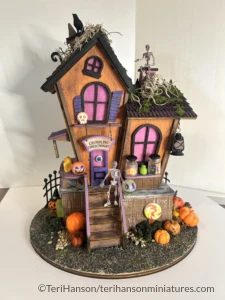
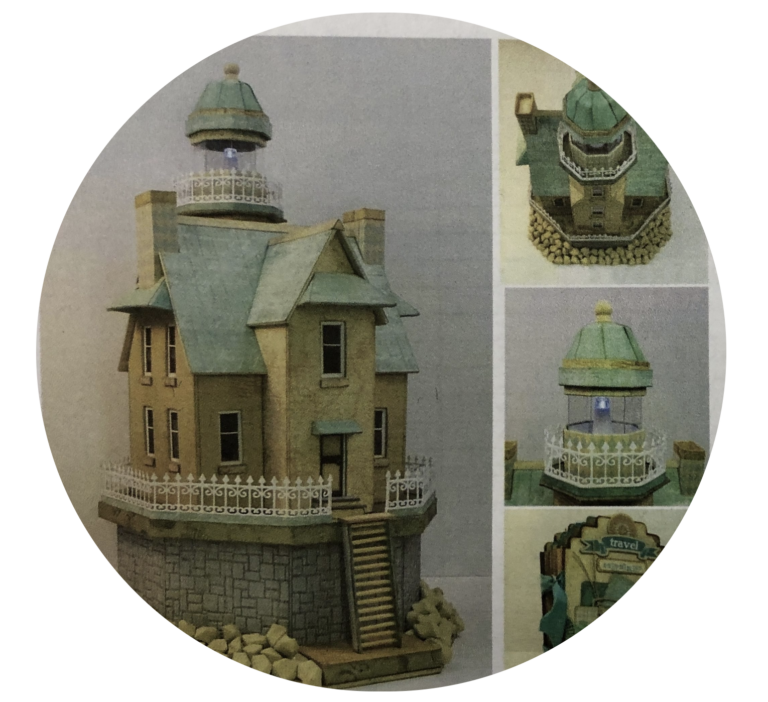
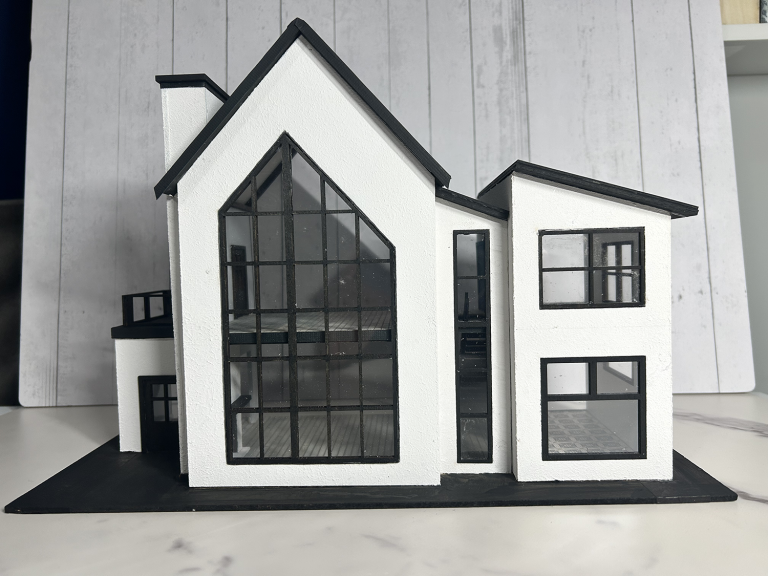
A very important point I want to mention is that if you ask friends who have printers about Resin over FDM, they will most likely say: ” Oh, you can’t get the small details with an FDM printer that you can get with Resin.” In my opinion, that is not 100% true. FDM printers have come a very long way in the past 3-5 years and continue to evolve. I have printed some very tiny, detailed houses and trees that turned out lovely. There are options in the slicer software that you can choose to get better details when needed. This adds additional print time to the project, but it’s worth it. You can also purchase an additional nozzle for finer details.
Last but not least, as with all machines, there are other items you will want to purchase at some point, but you do not need these right away if you get the AMS Pro2 with the machine. I will be making another post about this subject next week.
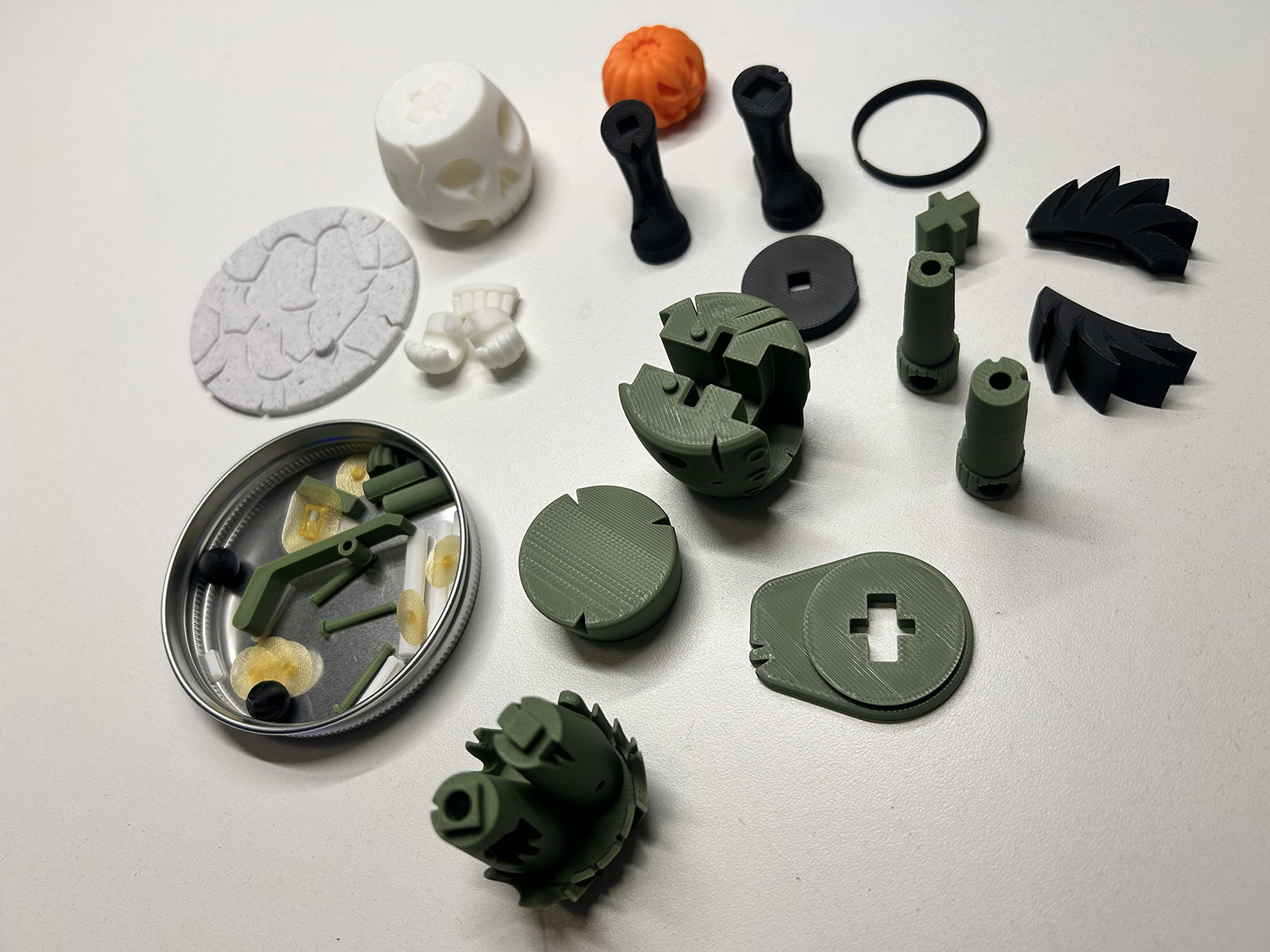
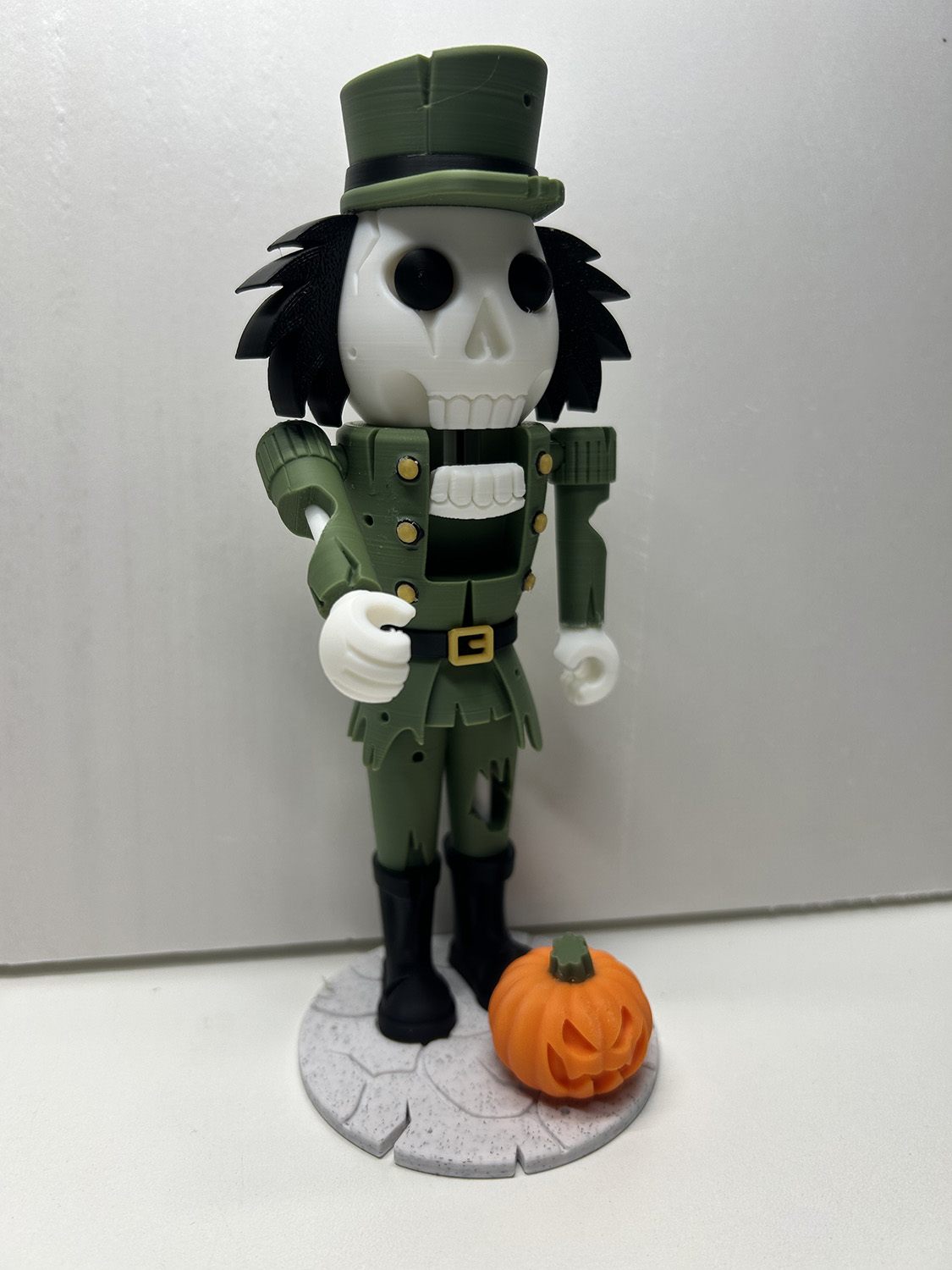
I will leave you with a look at the most recent thing I printed. This print comes from PA1 Maker, who has tons of FREE fantastic files on his Patreon page. His print files are designed to be printed in parts, without using an AMS. Parts are either snapped together or glued. You can see the parts for the Nutcracker on the left side photo. He also has some offerings on MakerWorld and a few other places. I just had to have this for Halloween!!!
Follow My 3D Printing Journey
Follow my 3D Printing experience, and let’s see what I can make for miniature projects! I will be printing for my own use while I learn more about the printer and the software. Eventually, I will be creating printed miniatures for sale in my shop here and at any shows I attend.
Happy crafting!